
The Wilkin County Court Calendar
Wilkin County District Court handles everything countywide: criminal, civil, family, probate, juvenile, conciliation, and traffic matters. One court covers them all. Its weekly public calendar comes out as a searchable PDF. That PDF is handy for spotting a listed hearing. It is not a complete list of court business, though. Cases that are confidential or restricted from remote viewing are left off. The public-access rules require that.
Wilkin sits in the Eighth Judicial District. The district office does not schedule or decide its cases, though. Court Administration does that locally. A calendar row is only a snapshot. When an older row and a newer docket entry conflict, trust the notice and the latest Register of Actions entry instead.
Wilkin Weekly Court Calendar PDF
Wilkin County's public schedule lives in a weekly PDF on the state court site. Start at the Eighth District county calendar service. It lists every district calendar in one place. From there, open the Wilkin weekly public calendar PDF. Search it with your browser's Find command. A court file number, an attorney surname, or another identifier from your notice works well. Be careful with a name match, though. One file can show up under several settings or party roles. A hit does not always answer the question.
The official county-calendar page shows how the district calendar route works.
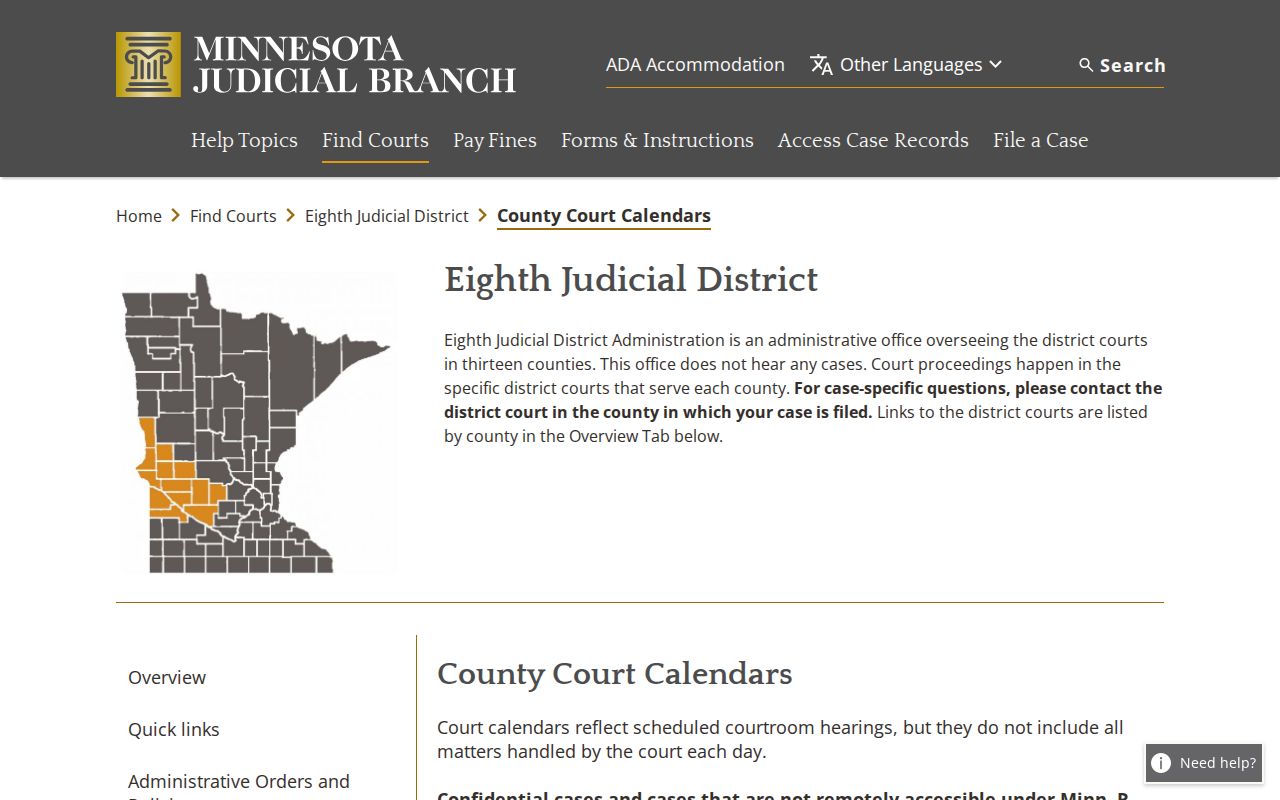
Treat the district index as a starting point for the Wilkin docket, not the finish line. For a live hearing, the current PDF, the court notice, and confirmation from Court Administration remain the practical chain.
Note: A public calendar can omit a case restricted from remote viewing, so its absence does not establish that the matter ended.
How to Find Your Court Date
Keep the court notice or citation in hand first. It supplies the file number or citation number that makes any search precise. From there the public routes work together: MCRO for hearing and case data, the Wilkin PDF for the public schedule, and the local clerk to confirm a current setting or point you to the posted courthouse calendar.
- Read the most recent notice, order, citation, or attorney communication first. It is the direct notice for the case.
- Use MCRO Hearing Search by case number, name, judicial officer, or attorney, select Wilkin, and use an exact date or range when it helps.
- Open the MCRO Case Details result and read the Hearings section and the newest Register of Actions entries, not just the first date shown.
- Check the Wilkin weekly PDF for the hearing location, time, judicial officer, hearing type, and connection type. Compare each field with the notice.
- If a date is missing, moved, or close in time, call Wilkin County Court Administration at 218-517-6020 or ask at the courthouse counter. Printed calendars outside courtrooms and in public lobbies are the most current daily information.
MCRO Hearing Search provides the official statewide hearing-search interface.
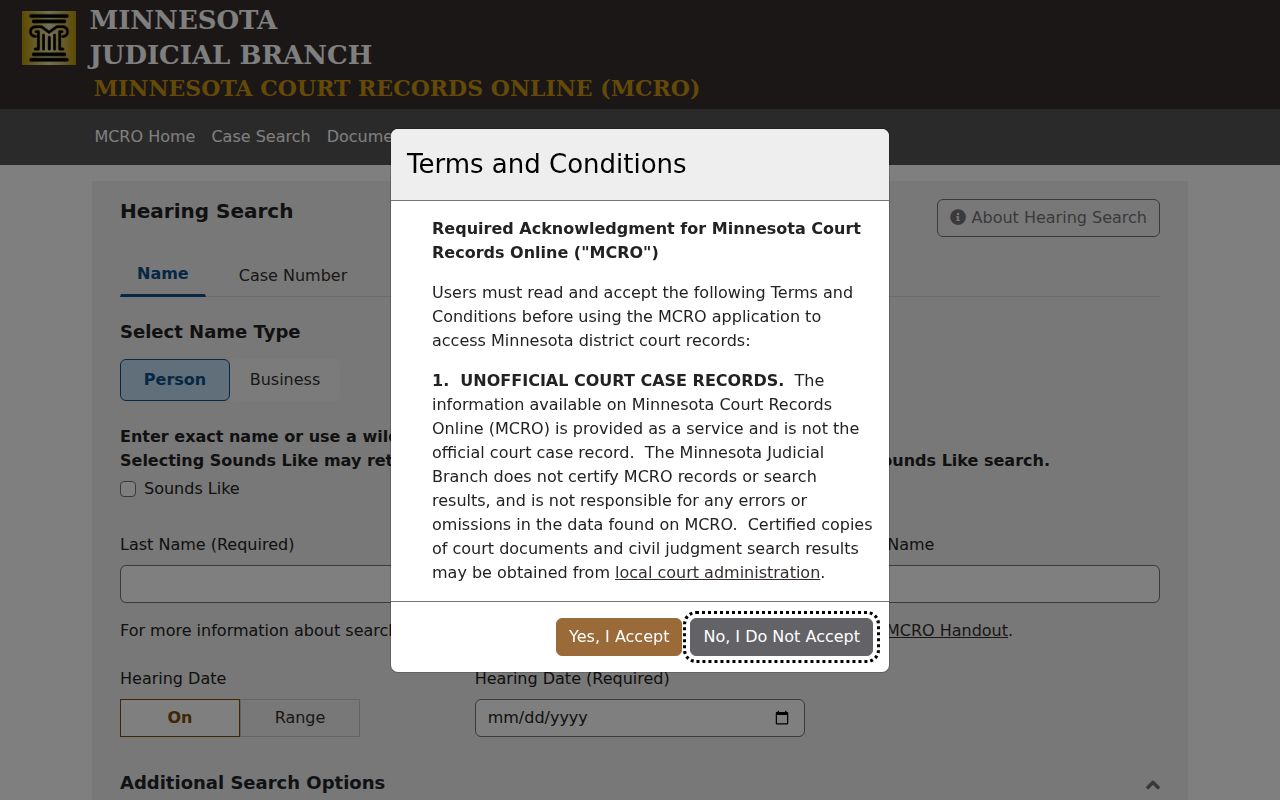
Have the case number ready before you search. It cuts through the name-matching problems that plague lookups for pending cases and parties with similar names.
Wilkin Calendar Update Times
The Judicial Branch posts the Wilkin public calendar at 7:00 a.m. each business day. After that, it updates hourly. So a PDF saved in the morning can easily differ. The court may post something new that same afternoon. Judges, courtrooms, and case assignments all move during the day. The hourly refresh is why.
Paper beats pixels here. Printed calendars carry the most current daily information. You will find them outside the Wilkin courtrooms and in the public lobbies. A PDF that drops a hearing is not a cancellation notice on its own. It may reflect a change, a restriction, or an incomplete public listing.
The PDF also organizes each setting by public fields, not as a full case file. Expect to see party role, hearing location, date, time, judicial officer, and hearing type. Connection type and case number appear too. One case can span several rows when multiple people or separate hearing purposes appear. Always check the file number before assuming a nearby row belongs to the same matter.
Treat the calendar as a locating tool. Find the setting first, then open the case record for the full event sequence. The calendar does not replace the Register of Actions. It is not a complete inventory of a Wilkin court file. For a same-day change, confirm with Court Administration rather than trusting a downloaded file.
How to Read a Court Setting
Each Wilkin calendar line matches one case with one hearing. The public PDF lays out fields for party name, hearing location, hearing date, time, judicial officer, hearing type, connection type, and case number. Read them together. One case can generate several rows. A party's role may change depending on the hearing shown.
| Date | The scheduled calendar date. Read later Register of Actions entries for a reset or continuation. |
|---|---|
| Time | The listed hearing time. It is not a promise that every matter will be heard at that exact minute. |
| Hearing location | The location shown for the setting. Check it with the notice if the case has remote participation. |
| Judicial officer | The judge or judicial officer assigned to the displayed setting. Assignments can change. |
| Setting type | The purpose of the event, such as a motion, omnibus, settlement conference, pre-trial, or conciliation hearing. |
| Connection type | Whether the setting is listed as in person, remote, or another court-provided connection route. |
Case numbers here usually start with 84-, the county code for Wilkin. Copy the number exactly as shown; do not guess at the hearing from the category alone.
Wilkin Court Setting Terms
Every label on the Wilkin County court calendar names a task, not a result. It tells you what is set for that day. The setting itself decides nothing about how the case ends. Criminal, civil, family, probate, juvenile, and conciliation matters have all appeared on the official calendar, so the docket label alone can leave you guessing without the case record behind it. Check that record before treating any entry as a final action.
- Initial Appearance - Rule 8
- An early criminal appearance where the charge, rights, and next steps are addressed.
- Omnibus Hearing
- A criminal pretrial hearing for motions and related procedural or evidence issues.
- Settlement Conference
- A civil or family effort to resolve a dispute before trial.
- Conciliation Hearing
- A setting in Minnesota's small-claims track within District Court.
- Order to Show Cause Hearing
- A hearing where a party is directed to explain a disputed compliance issue or why an order should not enter.
Put each hearing type next to the date, the court file number, and the newest case event. A jury trial listed on the docket only means one is scheduled. It is not proof that a trial ever happened.
Resets, Continuances, and Cancellations
A Wilkin County setting can shift for many reasons. Case assignments change, judges rotate, and courtrooms get swapped. Read the docket in order. Find the first hearing entry. Then scan forward for a later row marked continued, reset, rescheduled, or canceled, or one listing a new setting. The most recent valid event governs, not the older calendar line.
MCRO Case Details keeps the full sequence of events intact. The weekly PDF serves as a public scheduling view. When either one clashes with a written notice, do not settle the question through a third-party listing. Court Administration schedules the county's court matters and can tell you the current public scheduling information.
Note: A reset only moves a date. It does not, by itself, show that a charge, claim, or case has been dismissed.
Wilkin Connection Type Changes
Connection type matters as much as date and time. Minnesota's OneCourtMN hearing framework, starting February 3, 2025, set a default in-person or remote appearance for each case type. Judicial exceptions apply case by case. Approved deviations exist too. For any specific Wilkin hearing, a current court notice still controls the method. The Judicial Branch notice on the hearing changes records the statewide framework.
To join remotely, use the official link and instructions issued for that setting. The calendar alone may leave out joining details, so check it against the notice and the court's remote-hearing instructions. Minnesota remote hearing information describes the official Zoom and ITV support route.
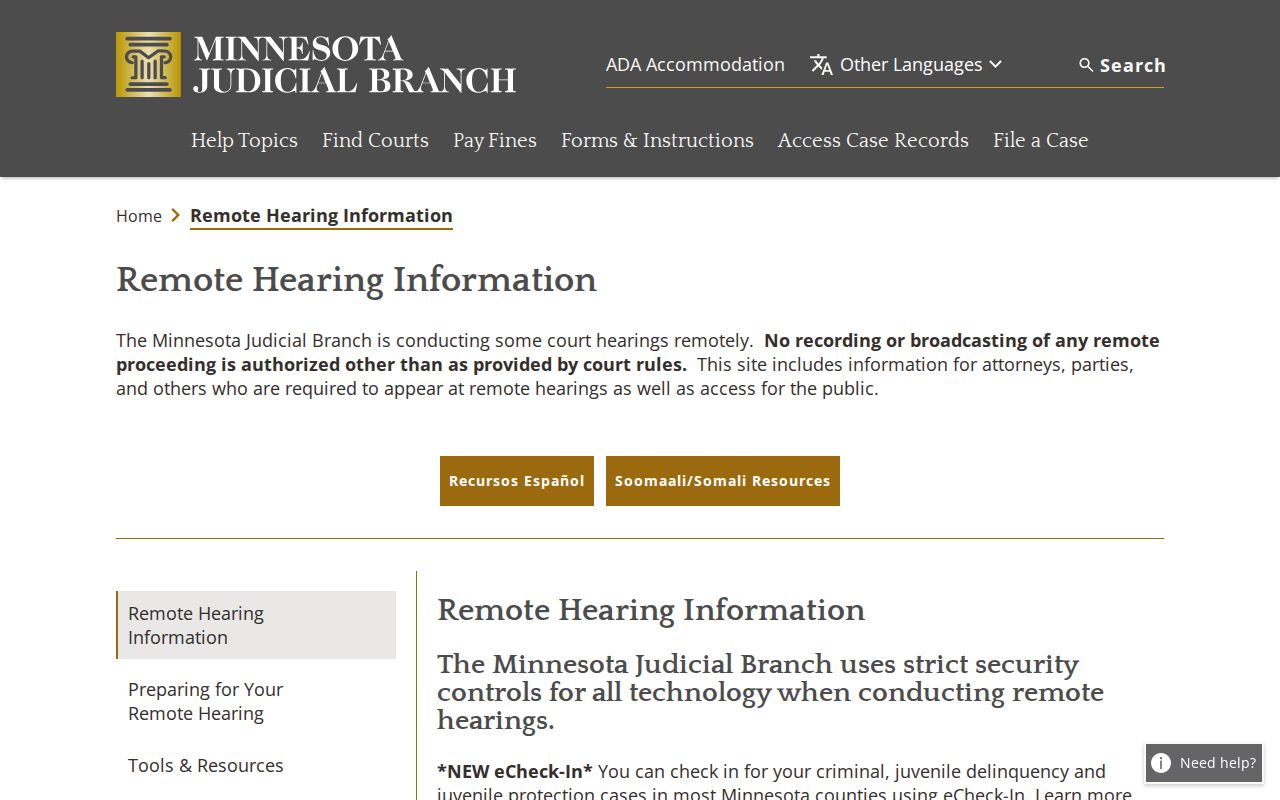
Use an official court link, never an unexpected message demanding payment or pointing to an unfamiliar meeting address.
What To Do If You Miss a Setting
Act fast. Check the newest Register of Actions and the notice. Then call Court Administration or the attorney of record. They can give you the current status and the next court-approved step. What you should do depends on the case type and any order already entered. A later calendar appearance should never be assumed without confirmation.
Missed a setting? A missed court appearance can have serious case-specific consequences, including a warrant, a default-related action, or other court orders.
Call Wilkin County Court Administration at 218-517-6020 promptly and follow any notice or attorney advice about the case.
The weekly public PDF cannot replace the notice in the file. Someone who missed a date needs current case information from the court, not an assumption drawn from a stale calendar entry.
Wilkin Calendar Conflict Check
Start with the newest dated document and event in the case file. That is the rule when MCRO, the weekly PDF, and a court notice disagree. Then confirm with Court Administration. That office maintains the legal records and schedules all court matters, while the public calendar itself warns that hearings can change and that the posted list is incomplete. The court notice remains the direct notice to the party. The calendar and hearing search are public tools. They are not substitutes for a filed notice or order.
Hearing eReminders can send eligible participants courtesy messages. These generally come three days and one day before a hearing. They are not official notice. Missing one does not excuse a required appearance.
The official eReminders page spells out who qualifies. It also says what the service does and does not cover.
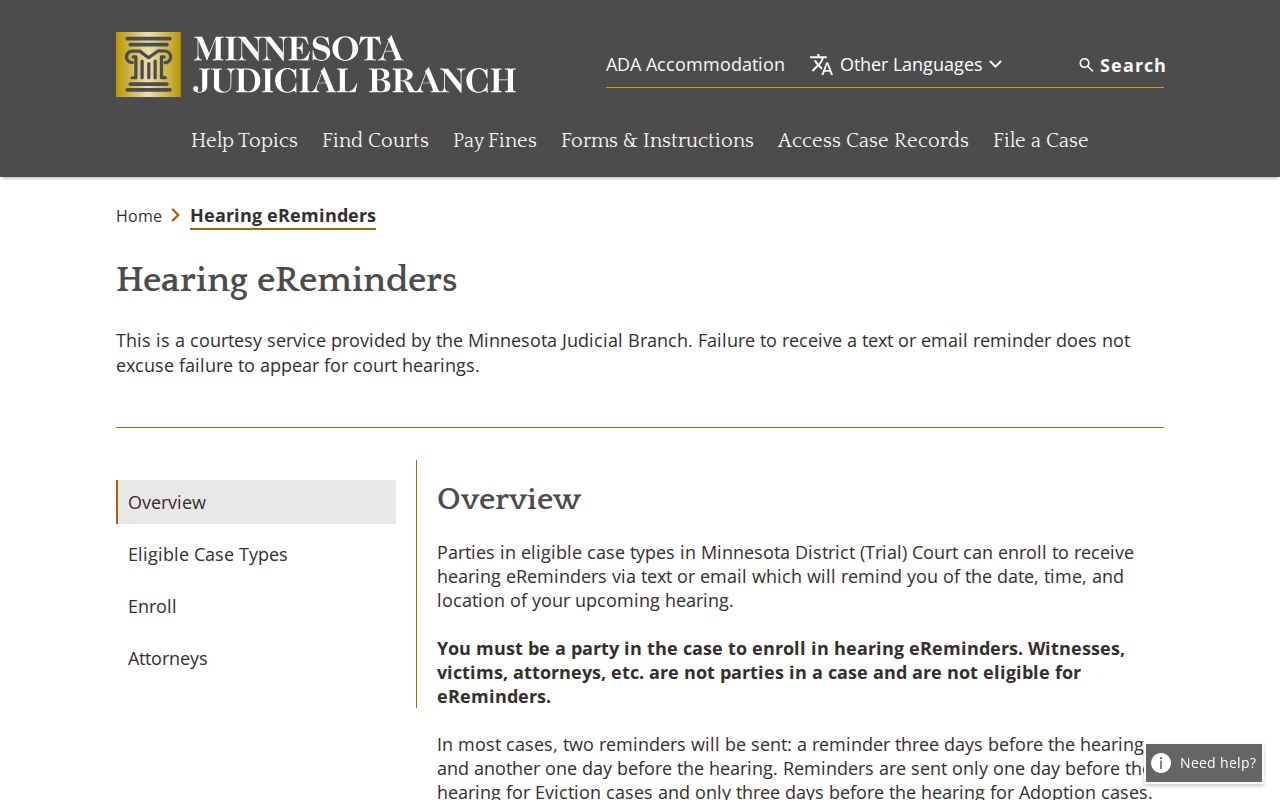
Treat a reminder as a prompt to check the official case record. It is not final proof of a Wilkin court date. It cannot replace the court's written notice, and for some case types it may follow a different timing rule.