
Searching Cases by Name
Begin at Minnesota Court Records Online (MCRO) Case Search. Accept the terms, choose Name, and pick Person or Business. Then select Specific County Court Locations and choose Wilkin. The portal covers the whole state. The county selector keeps your result list from ballooning once you know the court location. Treat name results with care. People share names, and the matching is exact by default.
- Enter the last name and, when known, first and middle name from a court notice or other lawful case information.
- Select Wilkin under specific county court locations. Add a case category or filed-date range only when it narrows a known search.
- Use a trailing wildcard after at least two characters for a spelling variation, or use Sounds Like for a phonetic variation. MCRO does not permit both in the same search.
- Click Find and compare the case number, category, court location, and public party information before opening a result.
- Open Case Details and read the Register of Actions chronologically. A category label does not state the final outcome.
The main name-search fields appear on that page. The case status dropdown values are not listed here, since the accessible version of MCRO does not display them.
| MCRO field | Use in a Wilkin search | Format or limit |
|---|---|---|
| Name type | Choose Person or Business | Required for name mode |
| Last, first, middle | Enter known name parts | Exact by default |
| Sounds Like | Broaden a phonetic search | Cannot pair with wildcard |
| Date filed | Narrow a known time period | Exact date or date range |
| Case category | Limit to Civil, Criminal, Family, Probate, or Mental Health | Optional filter |
| Court location | Select Wilkin | Specific county location |
Wilkin MCRO Case Search Tabs
MCRO splits its work into four tabs. Case Search pulls up public case details plus the Register of Actions. Document Search takes a case number and finds public documents. Hearing Search covers listed settings by name, case number, judicial officer, or attorney. Judgment Search handles docketed money judgments and satisfactions, not general case records. The Judicial Branch MCRO overview lays out the online records route and its access limits.
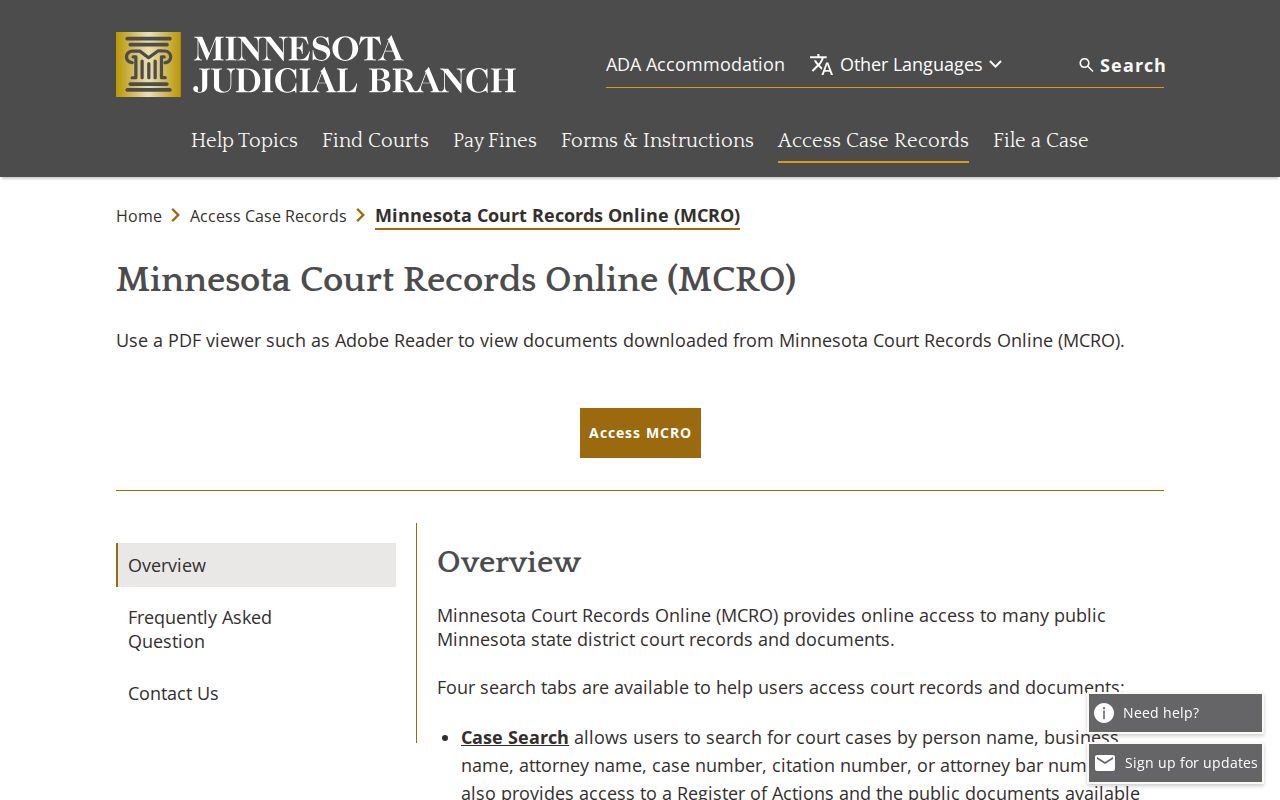
The tabs exist to prevent a common mix-up. A hearing search can locate a public setting. The case result is where you read the sequence of events and the public document index.
Searching by Case Number
Nothing beats a court file number or citation number for a Wilkin search. Pick Case Number or Citation Number in MCRO. Type the value exactly as the court paper shows it. Wilkin's county code is 84, so a file number often looks like 84-CR-26-... or 84-VB-25-..., with letters marking the case type. The ending sequence belongs to that one file only.
Wilkin's ticket instructions say to put 84 at the front when searching by case number. CR usually signals a required court appearance. VB usually marks a payable ticket or one with no mandatory appearance. Keep in mind the number alone sets no result, fine, or hearing schedule.
When the paper carries a citation number but no court file number, use Citation Number. That route also beats a defendant-name search for pending criminal, traffic, or petty-misdemeanor matters that lack a conviction.
Wilkin Case Search Code 84
The 84 prefix identifies the county, not a court division. Wilkin County District Court is Minnesota's unified District Court for the county, so no one has to sort through separate felony, county-clerk, and municipal-court docket systems. Criminal, civil, family, probate, juvenile, conciliation, and traffic cases all sit inside that single countywide structure.
The code narrows a search, yet the full file number still needs its type, year, and sequence parts. If the citation or notice is unclear, Wilkin County Court Administration can answer case-record and scheduling questions.
Note: never build a file number by guessing missing digits, since a partial number can point to the wrong public record.
What a Case Search Returns
In MCRO, the docket view is labeled Case Details and the event list is the Register of Actions. A public result can include the case header, parties, applicable charges, interim conditions, assignment, events, hearings, dispositions, bond or bail activity, financial information, judgment details, and document links. Which fields appear depends on the case category and access rules.
| Case information | File number, category, filing information, caption, and status when publicly shown. |
|---|---|
| Case events | A dated sequence of filings, notices, orders, hearings, and other recorded activity. |
| Hearings | Date, time, location, judicial officer, hearing type, and connection details when public. |
| Disposition or judgment | The recorded outcome and date, which must be read apart from the case category. |
| Documents | Public document links or index numbers. An index can exist without a remotely available image. |
| Financial information | Amounts, balances, or judgment data where the system records and permits public access. |
A public search result is unofficial. For a certified record, go through the county's court-record request process at Court Administration.
Wilkin Case Search Result Limits
An empty result does not prove a Wilkin case is absent. Pending criminal, traffic, and petty-misdemeanor matters without a conviction will not return from a defendant-name Case Search or Hearing Search. MCRO may not explain why. A case number, citation number, attorney search, or courthouse terminal is the sensible next step.
Remote results also drop street addresses and comment fields. Some older files were never fully imaged. Family records follow different remote-document rules. Confidential categories may be missing from internet results entirely. A document index number with no PDF only tells you the record system holds an index entry, not that the document is publicly downloadable.
Statewide vs County Case Search
MCRO is the statewide public layer. The Wilkin filter turns it into a county-focused search once you know the court. Court Administration keeps the paper files and issues certified copies. It also answers questions about a particular file. The courthouse public-access terminal is a third channel. It can show some public material that stays restricted remotely.
| Channel | Best use | Key limit |
|---|---|---|
| MCRO online | Free public case, document, hearing, and judgment searches | Remote-access rules limit categories, fields, and documents |
| Wilkin courthouse terminal | Broader electronic public access at the courthouse | Ask Court Administration for the terminal location and current assistance |
| Court Administration | Local paper-file inspection, copies, certification, and case questions | Off-site files may need time to retrieve |
MCRO does not replace the clerk-held original. Its Register of Actions is the convenient public view, while Court Administration remains the local route for official copies.
Wilkin Courthouse Case Search
Want the fullest public view of a case? Head to the courthouse. Every Minnesota district courthouse runs a public-access terminal tied to statewide case records. People call it MPA Courthouse, and it includes Wilkin's. It can surface things MCRO keeps off its remote view. Certain address fields, comment fields, and public categories with limited internet access show up there. The trade-off is real, though: a sealing order or confidentiality rule still wins. The Judicial Branch access page covers both routes. It explains the terminal option and the paper counter for court records.
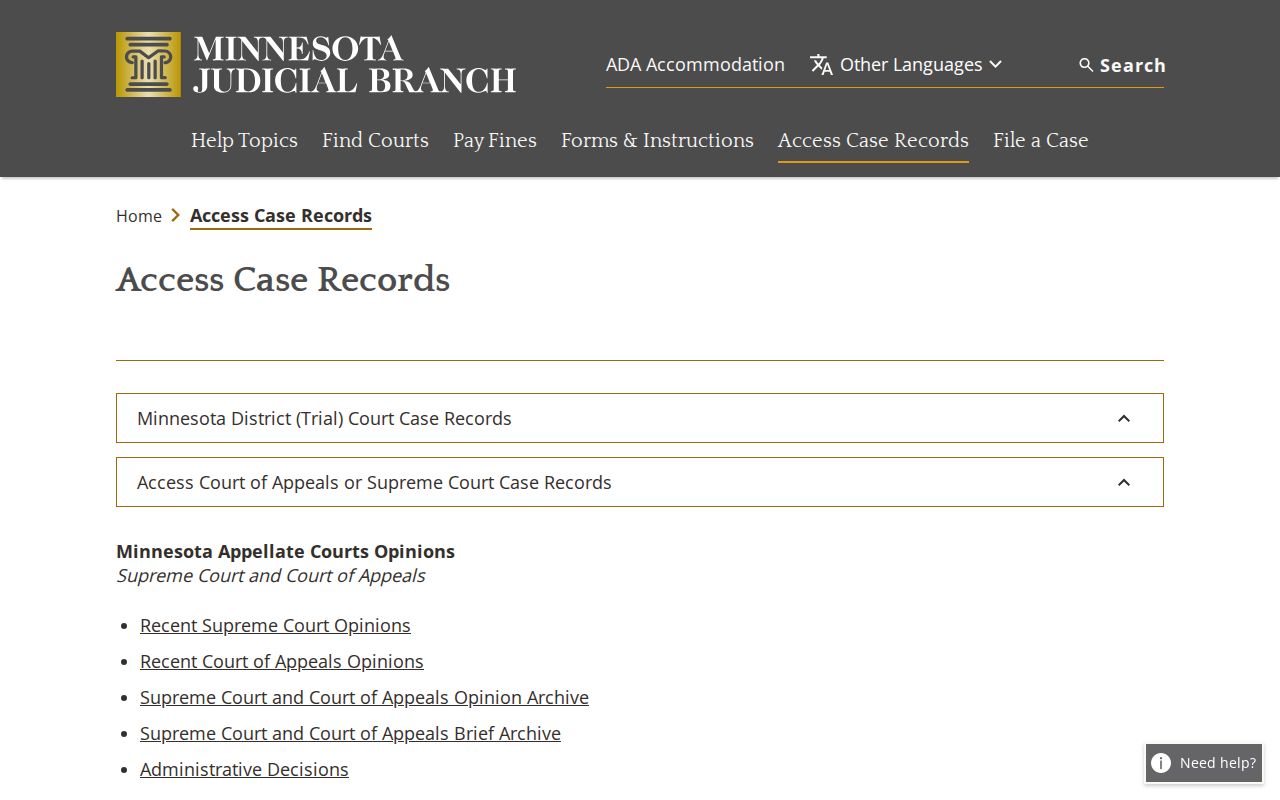
In Wilkin, the place to ask is Court Administration on the second floor. Staff can point you to the terminal, pull a paper court file, or help track down a docket entry that never showed up online. Walk-ins work; there is no reservation or floor map to worry about.
Access and Restricted Cases
Can you look at it, and can you look at it from home? Those are two different questions. The Minnesota Rules of Public Access answer both, and the answers vary by case type. Domestic-abuse and harassment matters carry limits. So do CHIPS and D16 juvenile matters. Certain civil-commitment material and protected family filings are limited too. Any sealed or expunged record stays off view. Personal identifiers get their own treatment. Juvenile records stay confidential unless a statute or a court order allows otherwise.
Need something confidential but not sealed? Expect to verify your identity first. A sealed case goes further, usually requiring the official Request for Access to Confidential or Sealed Record form plus a judge's order before any copies leave the file. Court Administration can walk you through the steps for the actual record. What it cannot do is use an online search to erase a restriction the rules impose.
Wilkin Case Search by Attorney
MCRO has an Attorney search too. It earns its keep when a court notice lists a lawyer's name or bar number but the party-name spelling keeps slipping past you. Treat the results as a starting point, though. The search shows public case associations, nothing more. The file number, the court location, and the current Register of Actions tell you whether you have landed on the right Wilkin case.
Hearing questions work the same way. MCRO Hearing Search also accepts an attorney as a search route. Before trusting any hearing date, match it against the Case Details entry and the Wilkin weekly calendar. Only then treat it as the current setting.
Wilkin Case Search and eFS
Lawyers, agencies, and guardians ad litem use a different system. It is called Minnesota eFile and eServe, or eFS. It handles filing and service for case participants. It is not a public case-search portal. Attorneys, government agencies, and guardians ad litem must file through eFS statewide in applicable matters. Self-represented users generally get to choose. Public documents accepted into eFS may later surface through MCRO under the access rules. The official eFS address-update notice records the Tyler cloud change.
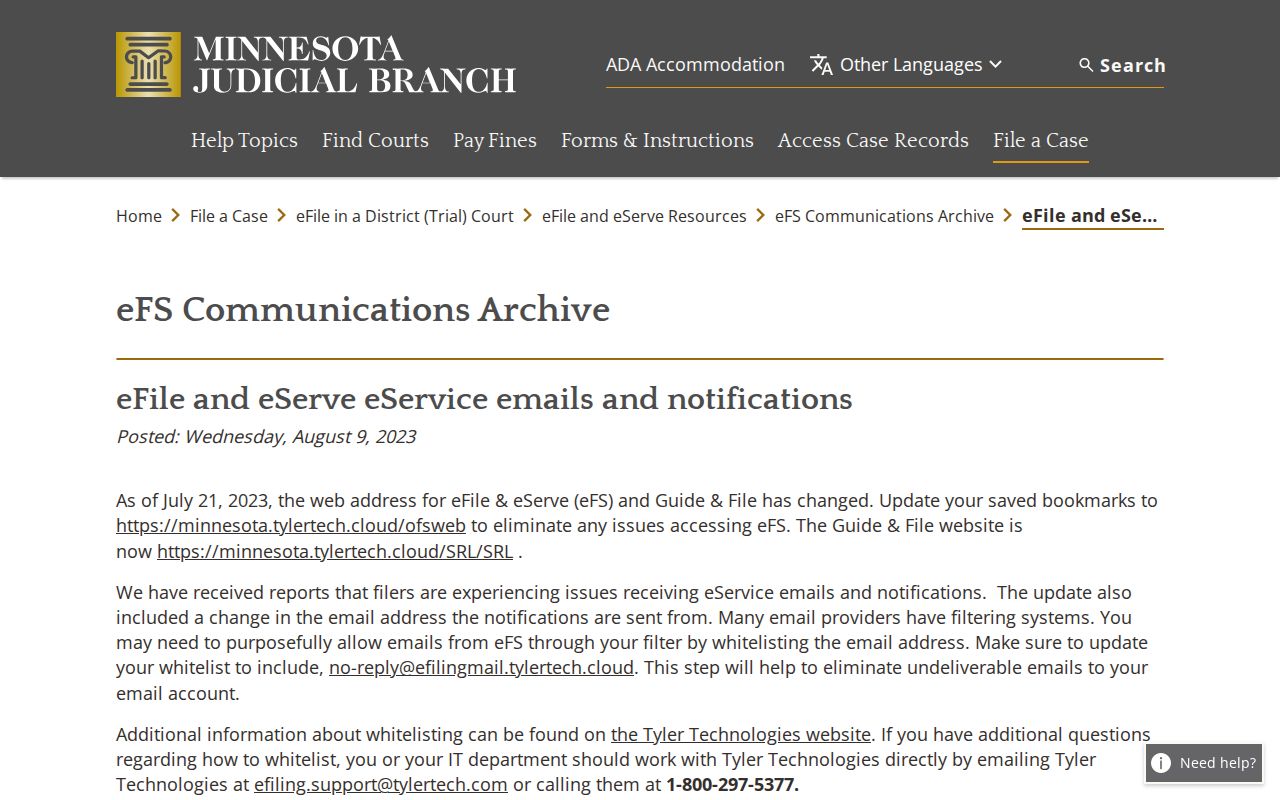
A broken eFS email link does not mean the filing never happened. For the public record, trust MCRO, Court Administration, or the case notice instead.
Wilkin Case Search Before 2015
How far back does the online docket go? MCRO's broad public document coverage starts July 1, 2015 for major and minor criminal and civil case types. Some judgments, orders, opinions, and court-generated notices reach back further. Those cover July 1, 2005 through June 30, 2015. Before that, the trail thins. Older material may be incomplete, paper-based, microfilmed, or sitting in off-site storage.
Work from the case number first. Pull the exact document title, date, or index number from the Register of Actions, then ask Wilkin County Court Administration whether a courthouse-terminal review, a paper-file inspection, or a copy request fits your situation. The court publishes no Wilkin-specific turnaround time for off-site records, so build in patience.
Wilkin Case Search Terms
Think of public access as a rulebook, not a guarantee. Not every court item ends up online. Minnesota Rule 8 governs inspection and copying. It also covers Registers of Actions, calendars, and remote access to court records. Rule 4 lists what stays nonpublic. Minnesota Statute 13.90 puts judicial data under Supreme Court rules rather than the ordinary government-data process. Minnesota Rule of Public Access 8 is the official source for the inspection and remote-access framework.
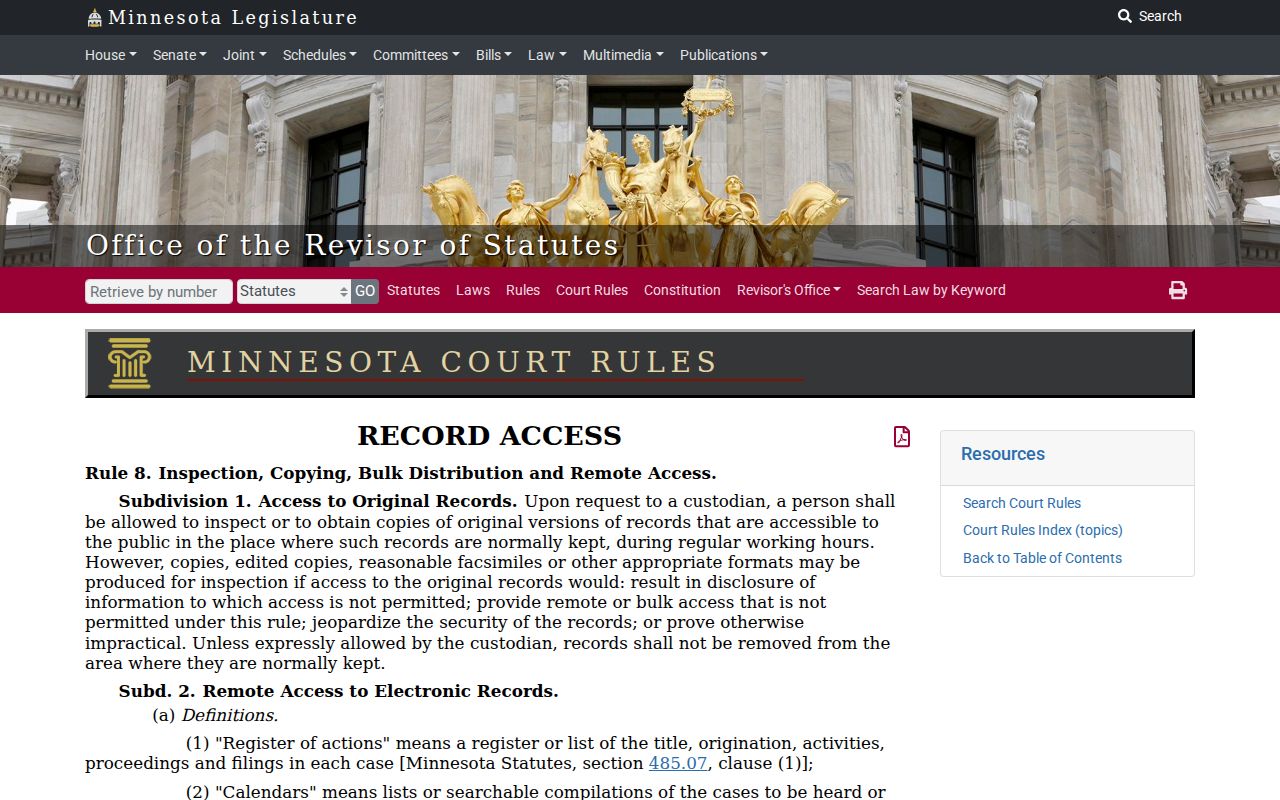
Use public case information to follow a case, confirm a hearing, or make sense of a filed matter. For anything that matters, verify the result with the court that keeps the original record.